

Blog / FAQs

What Is Toyota Entune™ 3.0 Remote Connect and How Does it Work?

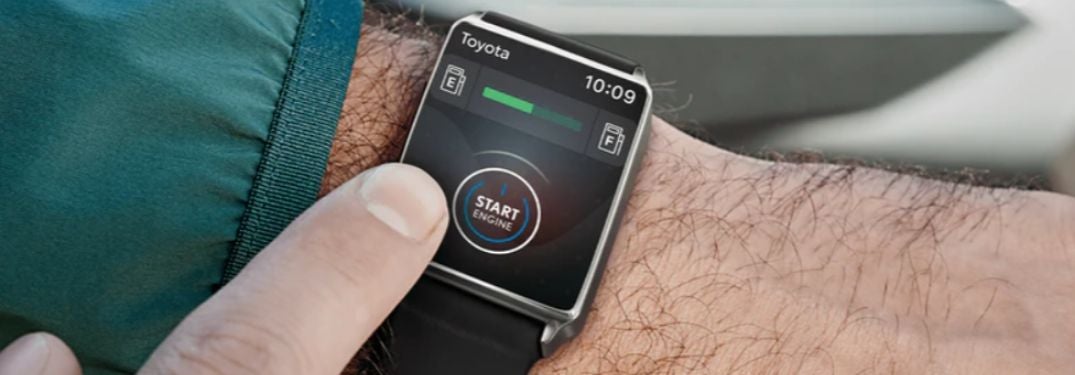
Close Up of Man Using Toyota Remote Connect on a Smartwatch

How To Set Up and Use Toyota Remote Connect 

Did you forget to lock the doors on your 2020 Toyota Highlander? Did you forget where you parked your 2020 Toyota RAV4? Available Toyota Remote Connect technology allows you to stay connected to your Toyota vehicle via an Apple Watch, Android smartwatch or smartphone. Learn how to set up and use Toyota Remote Connect and you will have the ability to lock and unlock doors, close windows, start the engine, locate your vehicle and more with your smart device. Find a Toyota car, truck or crossover that will fit your lifestyle today when you explore the Earnhardt Toyota inventory! 


READ MORE: What Are the Toyota Entune™ 3.0 Features and Systems? 


Step-By-Step Instructions to Set Up Toyota Remote Connect 

  1. Download the Toyota Remote Connect App on Your Device 
  2. Register Your Toyota Vehicle Online with Toyota Owners 
  3. You Will Receive a Toyota Remote Connect Verification Code in Your Email 
  4. Select Apps on the Toyota Entune™ 3.0 Display 
  5. Select Communications and the Toyota Remote Services Icon 
  6. Enter Your Toyota Remote Connect Verification Code 
  7. Select Submit to Use Toyota Remote Connect 
Posted in:

Related Posts

Step-By-Step Instructions to Toyota Audio Multimedia Streaming

How To Use Toyota Integrated Streaming Next-generation Toyota models – like the 2022 Toyota Tundra – employ the latest Toyota Audio Multimedia infotainment system that provides families with a wide range of upgrades. Integrated Streaming is a key upgrade to the Toyota resumé that uses Toyota Wi-Fi Connect to provide access to streaming services like Apple Music and Amazon Music via the touchscreen display. Learn how to use Toyota Integrated Streaming with this quick step-by-step guide created by Earnhardt Toyota in Mesa, AZ. Contact the dealership today to test drive a 2022 Toyota Tundra and experience the next-gen multimedia system firsthand! How-To Guide to Toyota Integrated Streaming Download the Toyota App on Your Smartphone and Register Your Vehicle Activate Your Toyota Wi-Fi Connect Subscription Access Account Settings on the Toyota App Select Linked Accounts on the List of Options Select the Streaming Services You Would Like to Link Sign-In with Your Account Credentials READ MORE: How To Use Waze Navigation in Your Toyota

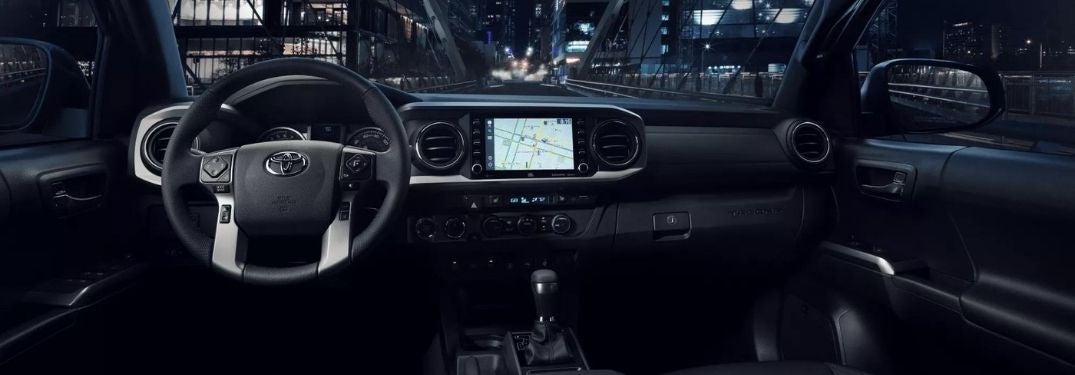
2022 Toyota Tacoma Interior with Navigation on Touchscreen Display

Step-By-Step Instructions to Waze Navigation with Toyota Apple CarPlay and Android Auto

How To Use Waze Navigation in Your Toyota Did you know that your new Toyota Tacoma provides access to a lot of your favorite apps with Apple CarPlay and Android Auto capabilities? Toyota Entune™ multimedia will keep you connected and Apple CarPlay and Android Auto will help you find your way with the popular Waze Navigation app. Learn how to use Waze Navigation in your Toyota with this quick step-by-step guide and video provided by Earnhardt Toyota in Mesa, AZ. Find and test drive a Toyota car, truck or SUV today that will keep you connected to your favorite mobile apps! How-To Guide to Toyota Waze Navigation Ensure that Your Smartphone is Compatible with Apple CarPlay or Android Auto Install the Waze Navigation App on Your Smartphone Connect Your Smartphone with Apple CarPlay or Android Auto in Your Toyota Launch Apple CarPlay or Android Auto on the Toyota Touchscreen Display Select the Waze Navigation Icon Select the Search Bar to Find a Location or Destination Select the Microphone Icon on the Waze Navigation App to Use Voice Search READ MORE: Which Toyota Models Are Available with Apple CarPlay in Mesa AZ?

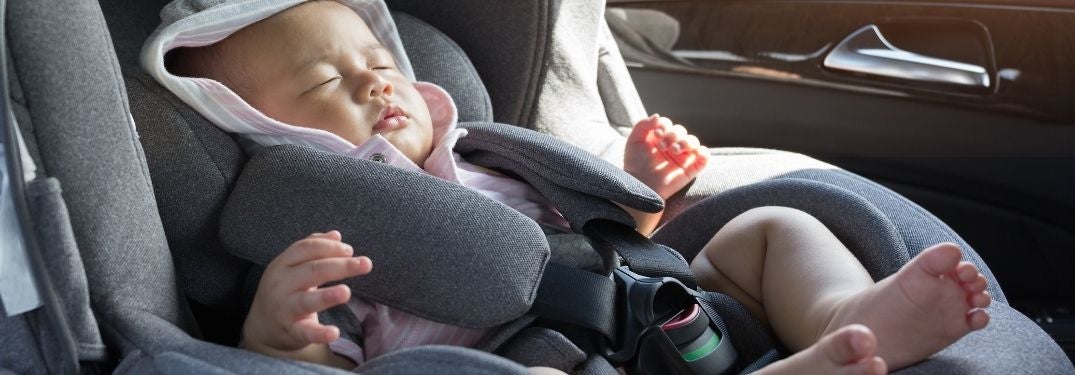
Baby Sleeping in a Car Seat

Step-By-Step Instructions on How To Install a Car Seat in Your Toyota

How To Install a Child Car Seat in a Toyota Car, Truck or SUV Are you a new mom or dad in the Mesa, Chandler and Gilbert area? Installing a child car seat in your brand-new 2022 Toyota Sienna can be intimidating the first time you try and we are here to help at Earnhardt Toyota in Mesa, AZ. Learn how to install a child car seat in a Toyota car, truck or SUV with this quick step-by-step guide and how-to video. Contact the Earnhardt Toyota team today to schedule a test drive in a brand-new Toyota! How-To Guide to Child Car Seats in Your Toyota Check Your Toyota Owner’s Manual for Model-Specific Instructions Clear Any Accessories From the Rear Seats Place the Car Seat on the Seat in Your Toyota Adjust the Seatback to Ensure it is Tight to the Seat Run the Seatbelt Through the Belt Path and Buckle Pull on Seatbelt to Lock and Remove Slack Check for Less than 1” of Movement Attach the Rear Tether Strap to the LATCH System on the Back of the Seat READ MORE: How To Use Toyota Smart Key® with Push Button Start